
Checkout a Guest
You can purchase an item for a guest on behalf of a customer.
- Click the Cart button on the upper right corner.
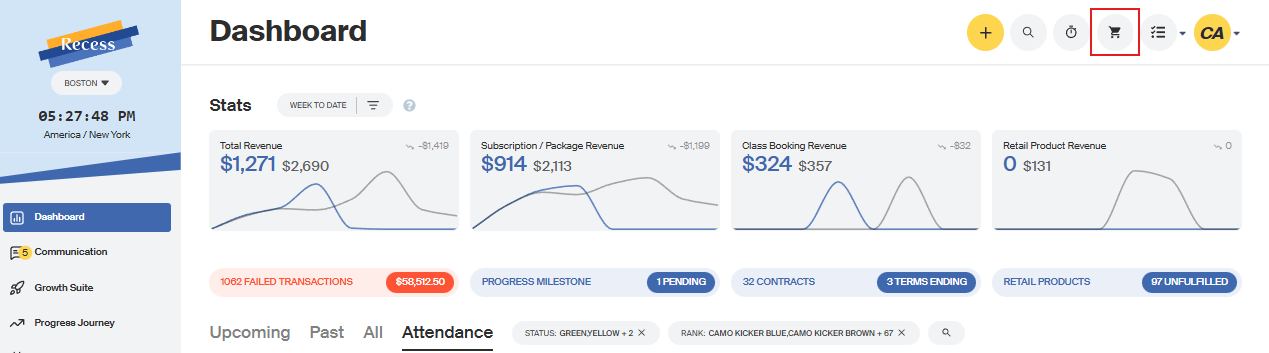
- Find the client who will be paying for the item.

- Search for the item you want to charge.
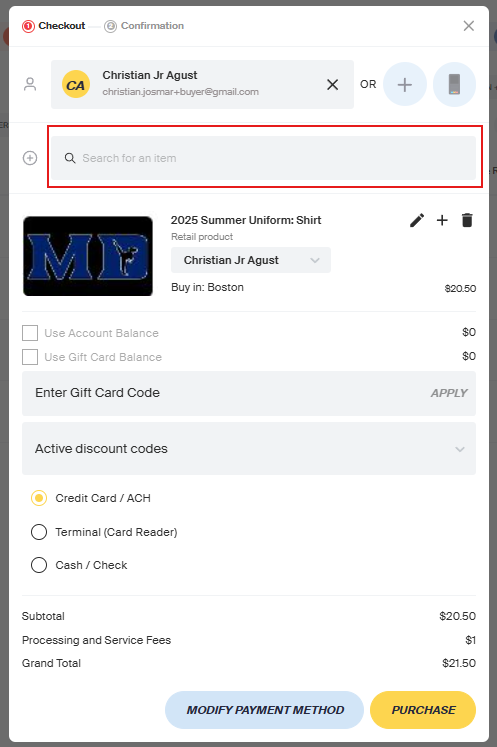
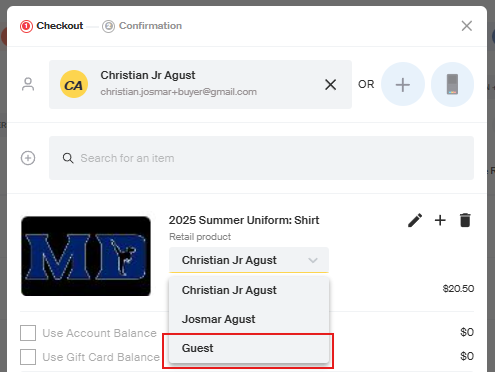
- In the cart, click the grey dropdown box to purchase the item for a guest.
- Choose “Guest.”
- Search for the client or add a new one.
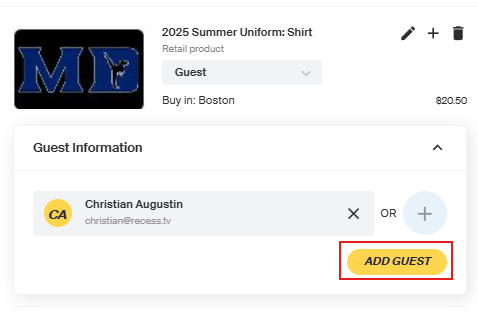
- Click Purchase.
- On the profile of the client who paid for the item, it will show who they purchased it for.

- On the guest’s profile, it will show the item purchased and who paid for it.
