
Archiving and Unarchiving a Client
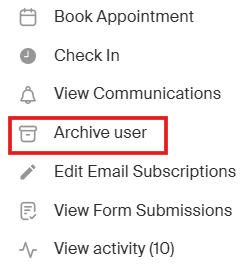
To archive a user click the 3 dots on the user's profile and click "Archive". Their payment information will be deleted but all other information will remain.
-
Reminder to cancel the user out of any memberships or classes
Important things to note:
-
You cannot archive anyone with an @recess.tv email
-
After archiving a user you can find them by going to People > Clients > Archived
-
To unarchive a user you can ask the person to log in to Recess with their email and all history will be restored or you can email Recess Support